 The Runner Story
Introduction to Data-Driven Ultra Trail Running
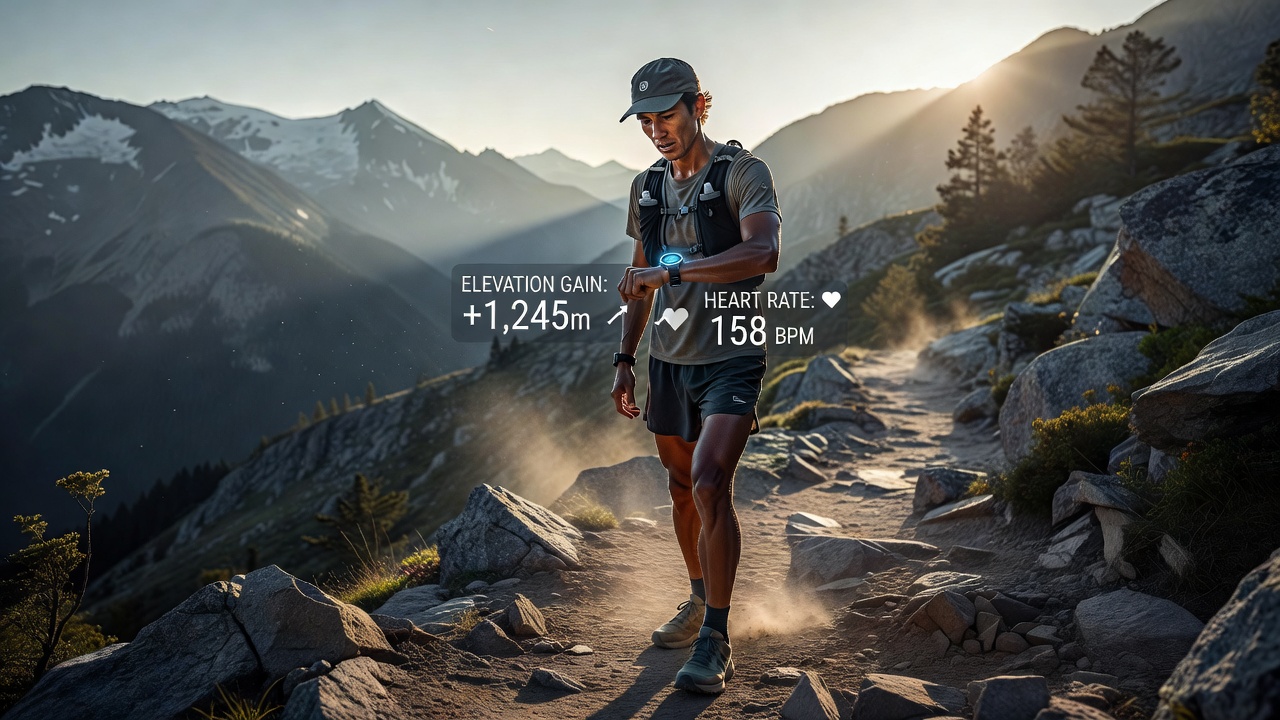
Ultra trail running demands precise monitoring to handle variable terrain, prolonged efforts, and recovery needs. In 2026, data tracking tools help runners analyze elevation gain, heart rate variability (HRV), and terrain-specific pace for measurable gains. This guide covers practical setups, comparisons, and integration strategies tailored for both beginners and experienced athletes seeking smarter training. Understanding these metrics transforms raw effort into strategic progress, allowing athletes to train smarter rather than harder while minimizing injury risk on demanding courses.
Essential Metrics for Trail and Ultra Performance
Effective tracking starts with core metrics that directly influence race outcomes. Elevation gain reveals climbing efficiency, while HRV indicates recovery readiness. Terrain-specific pace analysis breaks down speed adjustments across technical sections versus flat stretches. Runners who monitor these see consistent improvements in race pacing and injury prevention. Additional layers include cadence, vertical oscillation, and ground contact time, which together paint a complete picture of running economy on uneven surfaces.
Elevation Gain and Vertical Efficiency
Tracking cumulative ascent helps quantify workload. Tools that auto-detect grade changes provide insights into power output on steep climbs. For example, maintaining a consistent vertical pace of 500 meters per hour on technical ascents can indicate strong form. Beginners should focus on gradual increases in weekly elevation to build resilience without overload.
Heart Rate Variability Monitoring
HRV data from overnight readings or post-run checks signals overtraining risks. Consistent low HRV prompts rest days, improving long-term sustainability. Athletes often correlate HRV drops with upcoming weather changes or altitude exposure, adjusting plans proactively.
Terrain-Specific Pace Analysis
Segmented pace data accounts for mud, rocks, or altitude. This prevents overexertion on technical trails and highlights areas for skill development. Runners can compare splits from similar grade segments across multiple runs to measure technique improvements over time.
Top Wearables and Analytics Platforms
Leading options combine GPS precision with advanced analytics. Popular choices include devices from established brands paired with apps like Strava for community insights and detailed logs. Setup begins with firmware updates and pairing via Bluetooth. For Garmin, enable multi-band mode in settings, then calibrate the altimeter at a known elevation point before each run. Coros users benefit from similar calibration routines plus extended battery modes for multi-day ultras.
- Garmin watches excel at multi-band GPS for remote trails and offer deep integration with third-party analytics.
- Coros models provide extended battery life suited to 100-mile efforts and straightforward data exports.
- Apps such as TrainingPeaks integrate raw data into structured plans with coach sharing features.
- Strava segments allow social comparison on popular trail sections for motivation.
Practical setup for Strava involves linking the device account, creating custom routes with elevation profiles, and enabling real-time segments during runs. This combination supports both solo analysis and group training feedback.
Comparing GPS Accuracy on Remote Trails
Remote ultra routes challenge single-band GPS with tree cover and canyons. Multi-band systems from Garmin and Coros maintain accuracy within 5-10 meters, outperforming basic models. Real-world tests on mountain paths show reduced drift during switchbacks, allowing reliable pace splits. Pair devices with external sensors for enhanced data when signal weakens. Consider factors like satellite refresh rates and barometric altimeter stability for long-duration events. Many runners test devices on familiar routes first to establish baseline accuracy before race day use.
Garmin provides detailed accuracy reports on their support pages for trail users, while Coros shares similar validation data for their GPS models.
Real Runner Case Studies and Performance Gains
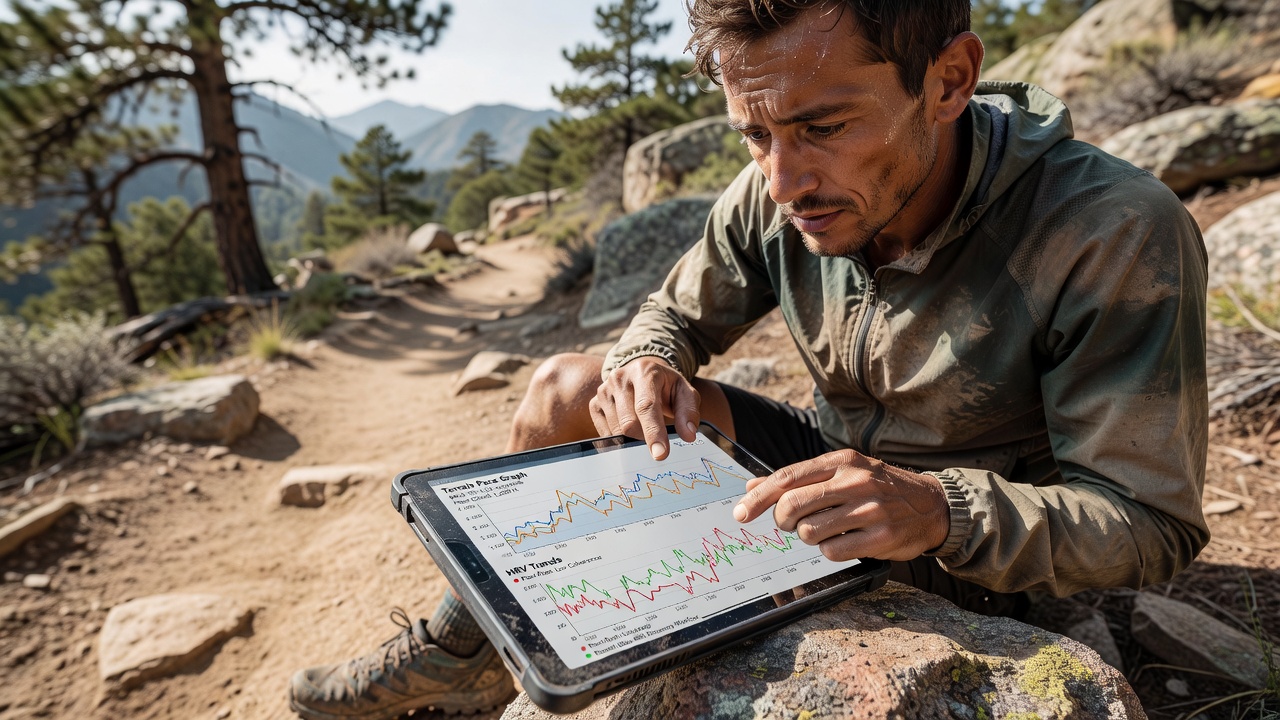
A 45-year-old ultra athlete used HRV-guided training to drop 45 minutes from a 100K finish by adjusting intensity based on daily readings. This involved scaling back volume on low HRV days and focusing on quality sessions when readings improved. Another runner integrated terrain pace data to improve climbing splits by 12% over six months through targeted hill-specific intervals logged weekly. A third example involves a beginner who combined elevation tracking with TrainingPeaks plans, achieving a sub-24-hour 100-mile finish by progressively increasing vertical load while monitoring recovery metrics. These examples demonstrate how data refines weekly mileage without burnout and provides objective evidence for personal records.
Integrating Data into Weekly Training Logs
Start each week by exporting metrics into a spreadsheet or app dashboard. Log elevation totals alongside subjective feel ratings and note any terrain challenges encountered. Review weekly averages for pace on varied terrain to spot trends such as declining efficiency on descents. Adjust upcoming sessions accordingly, such as adding hill repeats after low HRV days or incorporating recovery runs following high elevation weeks. This creates a feedback loop that evolves with your fitness level. Include monthly reviews comparing race simulations to actual event data for fine-tuning nutrition and pacing strategies. Practical tips include color-coding logs for quick visual analysis and setting alerts for metric thresholds like HRV below baseline.
Common Mistakes to Avoid When Using Tracking Tools
Over-reliance on numbers without listening to body signals often leads to injury. Avoid comparing your data directly to elite athletes, as individual baselines vary greatly. Ensure consistent device placement and calibration to prevent skewed readings. Neglecting software updates can reduce GPS reliability on remote trails. Finally, balance data review with rest to prevent analysis paralysis that disrupts training consistency.
Frequently Asked Questions
How do I address privacy concerns with tracking apps?
Review app permissions and use offline modes where possible. Most platforms allow data export without cloud sharing. Consider local storage options or anonymized sharing features for added security.
What devices work best for beginners?
Start with entry-level GPS watches that auto-detect basic metrics before advancing to HRV-focused models. Focus on simple interfaces and gradual feature exploration to build confidence.
Can data tracking replace coach advice?
No, it complements professional guidance by providing objective numbers for discussions during training reviews. Coaches can interpret complex patterns more effectively when combined with athlete feedback.
How often should I calibrate my altimeter?
Calibrate before every significant outing, especially in changing weather, to maintain elevation accuracy throughout long runs.
Conclusion
Adopting data tracking tools transforms ultra trail preparation into a precise, evidence-based process. By focusing on elevation, HRV, and pace metrics with proper setup and integration, runners achieve smarter gains and safer progress throughout 2026 and beyond. Consistent application of these strategies leads to personal bests and enjoyable long-term participation in the sport.


No comments yet. Be the first!